A USB stick is barely bigger than a thumb, and an external hard drive fits into any jacket pocket. That handiness is exactly what makes them so practical – and so easy to lose. They stay plugged into a library computer, slip out of a laptop bag, are left behind in a meeting room or vanish into a moving box.
The bitter part: these small devices usually hold what we consider especially important. That is precisely why we saved it there. If you are searching for "USB stick lost" or "external hard drive gone", you will find the key steps here – and how a GLOBALBACK identification number (GBID) helps an honest finder reach you.
1 What you lose along with a data carrier
Many people underestimate how much accumulates on such a small device. Typically:
- The photo archive: Holiday pictures, family celebrations, years of photos of the children – often moved off the computer because it was full. And that is exactly when the external drive becomes the only copy.
- Work documents: Presentations, project files, client data, invoices. With professionally used data carriers, data protection quickly becomes an issue too.
- Coursework and theses: Months or years of work, sometimes without an up-to-date second copy.
- The backup itself: Particularly cruel – the drive that was meant to be your safety copy is suddenly the lost item.
- Personal documents: Scanned contracts, certificates, copies of ID documents, tax paperwork.
The purchase price of a stick or a drive is almost never the problem. The device is easy to replace – its contents often are not.
2 Why data carriers get lost so often
USB sticks and external drives share a characteristic that makes them especially vulnerable: they are constantly on the move but rarely in sight. Unlike a phone, which we pick up every few minutes, a stick disappears into a side pocket and is not needed again for weeks. Until then, nobody notices it is missing.
On top of that, data carriers are often passed around, lent out or used on other people's computers. A stick left in a print shop computer or in a conference presentation machine is a classic. And because the device itself is worth little, few people go to much trouble to find the owner – unless you make it easy for them.
3 The most important protection first: encryption
Before we come to getting it back, one point matters even more: an unencrypted data carrier can be read by anyone who finds it. Unlike a smartphone there is no lock screen – whoever plugs the stick in sees everything at once.
So encrypt your data carriers, especially if they hold professional or sensitive private data. Windows, macOS and Linux all include suitable built-in tools, and there are free programs that do the job. That way your data stays unreadable even if the device ends up in the wrong hands.
4 Equally important: the second copy
A single external hard drive is not a backup, just another place where data happens to sit. A real backup means the same data exists in at least two separate places. Only then is losing a device annoying rather than painful.
With a photo archive in particular, that effort pays off. Anyone who also keeps their images on a second data carrier or in cloud storage loses only hardware when a stick goes missing – not memories.
5 The GBID – so an honest finder can reach you
And here is the underlying problem: a found USB stick reveals nothing about its owner. At best the finder could look through the files – which they cannot do with encrypted data, and should not do with unencrypted data either. Without a marking, the stick ends up in a drawer or in the bin.
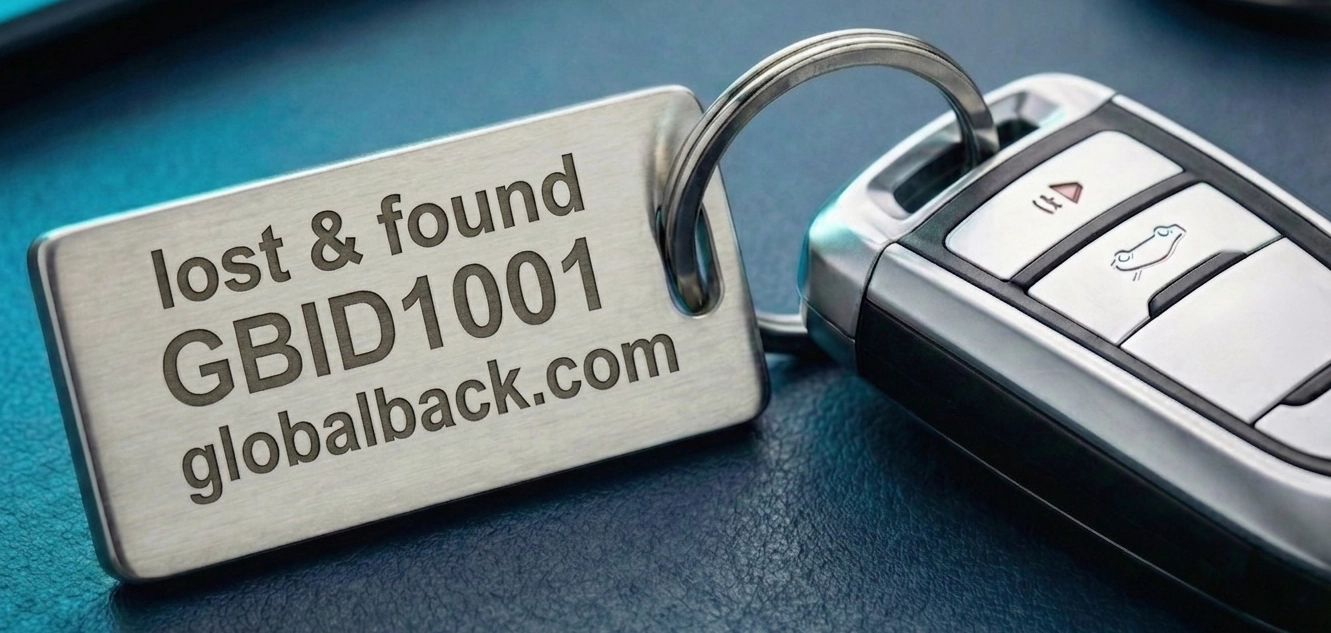
The GLOBALBACK identification number (GBID) solves exactly that. As a small, sturdy sticker on the casing of a hard drive, on the stick itself or on its lanyard, it gives the data carrier a globally unique number – without revealing your name, your address or any other private detail.
How the return works
The finder enters the GBID on the GLOBALBACK home page or scans a QR code – no app, no registration. Through a contact form they send you a message, which reaches you by email. Your contact details stay protected, and you decide whether and how to respond.
The quiet advantage with data carriers
Because a missing stick is often noticed late, a marking is particularly valuable here: the finder can get in touch long before you even miss the device.
6 Optional: external drives in the GLOBALBACK cloud
If your external hard drive carries its own serial number on the casing, you can additionally register it in the GLOBALBACK cloud – entirely independently of the GBID – and give it a status such as "Lost" or "Stolen". For "Stolen" you can store a police reference number, which the connected check portals display as well.
Simple USB sticks usually lack such a number. Here the GBID remains the right approach: it is what makes the stick identifiable in the first place.
7 Common questions about lost data carriers
I found a USB stick – should I plug it in?
Better not. Unknown data carriers can contain malware, and looking through someone's private files is questionable anyway. If a GBID is attached, you can reach the owner without ever plugging the stick in.
Where do I put a GBID on a tiny stick?
On very small sticks, the lanyard, a tag or the protective cap work well. On external hard drives, the top or bottom of the casing is ideal – the sticker does not get in the way there and is still immediately visible.
Is this worthwhile for memory cards too?
SD and microSD cards themselves are too small to mark. Instead it makes sense to put a GBID on the card case, the pouch or the camera bag.
Conclusion: small device, big loss
With USB sticks and external hard drives it is almost never about the value of the hardware, but about what is stored on it. Encryption protects your data from prying eyes, a second backup protects it from being lost for good – and the GBID makes sure an honest finder can reach you at all.
The solution is here – you just have to use it.