On the train, in a café, in a waiting room or on the sofa – a tablet is the ideal companion at home and on the move. That same mobility also makes it vulnerable to loss and theft. And just like a smartphone, an iPad or Android tablet holds far more than expensive technology: photos, documents, emails, saved logins and entire digital habits.
If you are searching for "tablet lost" or "iPad stolen – what to do", you will find the key steps here. You will also learn how GLOBALBACK helps with two separate building blocks: the GBID for return by an honest finder, and the GLOBALBACK cloud, which makes reselling considerably harder.
1 Tablet lost – the first steps
- Locate and lock: Use "Find My" (Apple) or "Find My Device" (Android) to locate the tablet, lock it remotely and erase it if necessary.
- Secure your accounts: Change the passwords of your most important services and sign the device out of any linked accounts.
- Block mobile service: If your tablet has a SIM card or eSIM, have it blocked by your provider.
- Report a theft: In case of theft, file a police report. Have the serial number and model ready.
2 Why losing a tablet is more than losing hardware
A tablet accumulates much the same sensitive data as a computer: email accounts, cloud services, saved passwords and sometimes banking apps. A strong unlock code and, where available, biometric protection are therefore essential. They make sure a stranger cannot simply access your data.
Two-factor authentication can be affected too, if confirmation codes arrive on the tablet. Check whether your most important accounts are also secured through a second device.
3 Building block 1: the GBID – your line to the finder
A locked tablet tells the finder nothing about its owner. The honest wish to return it often fails simply because there is no way to make contact.
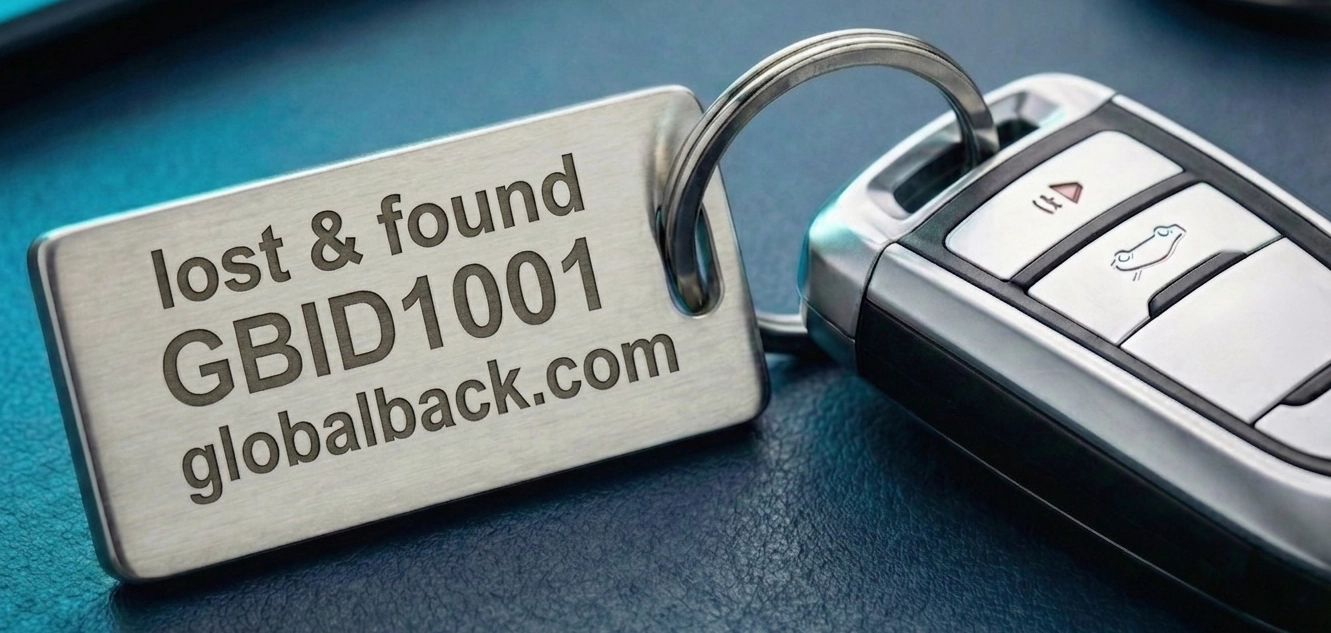
The GLOBALBACK identification number (GBID) closes that gap. You can store the GBID as a digital lock screen, or attach it as a discreet sticker to the case or cover. Either way the finder immediately sees a globally unique number, without any private data becoming visible.
How the return works
The finder enters the GBID on the GLOBALBACK home page or scans a QR code – no app, no registration. Through a contact form they send you a message, which reaches you by email. Your contact details stay protected.
4 Building block 2: the GLOBALBACK cloud – making resale harder
Independently of the GBID, you can register your tablet in the GLOBALBACK cloud. You enter the device with its serial number and give it a status – such as "Lost" or "Stolen". For "Stolen" you can additionally store a police reference number, which the check portals display as well.
- Checkable worldwide: Using the serial number, your registered tablet can be looked up on connected check portals such as seriennummern-check.de, checkmich.online and checkme.website.
- A warning for buyers: If your tablet is marked "Lost" or "Stolen", potential buyers see a warning immediately when they run a serial number check. That makes reselling stolen goods harder and increases the risk for thieves and dishonest finders.
5 Common questions about a lost tablet
Does this apply to iPads as well?
Yes. Whether it is an iPad or an Android tablet makes no difference. What matters for cloud registration is that the device has a unique serial number; a GBID can be attached to any model.
What is the difference between the GBID and the cloud?
The GBID aims at return by an honest finder, the cloud at making a resale harder. The two are independent and can be used separately or together.
Can I register my tablet after the event?
Yes, as long as you know the serial number. Prevention is most effective, however, when it happens before a loss.
Conclusion: two building blocks for your tablet
The GBID brings your tablet back through an honest finder. The GLOBALBACK cloud makes a stolen device identifiable to buyers and harder to resell. With a strong password and regular backups you are protected on top of that.
The solution is here – you just have to use it.