You glance into your backpack and your heart skips a beat: the laptop is gone. Whether it was left on a luggage rack, forgotten in a café or stolen from a car, losing a notebook hits twice. It is an expensive device, and at the same time it holds your work, your documents and your personal files.
If you are searching for "laptop lost" or "notebook stolen – what to do", you are in the right place. This page covers the most important immediate measures and explains how GLOBALBACK helps with two separate building blocks: the GBID for return by an honest finder, and the GLOBALBACK cloud, which makes reselling considerably harder.
1 Laptop lost or stolen – the first steps
- Protect your accounts: Immediately change the passwords of your most important services – email, cloud storage, social networks. Where possible, sign out remotely from all devices.
- Use remote access: Many operating systems offer a function to locate, lock or erase a device remotely. Check whether it is active on your machine.
- Report the theft: If your laptop was stolen, file a police report. For the report and for your insurer you will need the exact serial number and model designation.
- Inform your insurer: Check whether a home contents or electronics policy covers the loss.
2 Why data protection matters especially with a laptop
Over the years, sensitive data accumulates on a notebook: work documents, private photos, saved passwords and access to online services. If the device falls into the wrong hands, the potential damage far exceeds the cost of replacing it.
A strong login password and full-disk encryption are therefore the foundation of any precaution. They ensure that a stranger cannot simply access your data – and at the same time make the device far less useful to thieves.
3 Building block 1: the GBID – your line to the finder
A closed laptop tells the finder nothing about its owner, and it is locked. There is no way for them to know whose it is – unless you had stuck your private details on it, which would be a bad idea for security reasons.
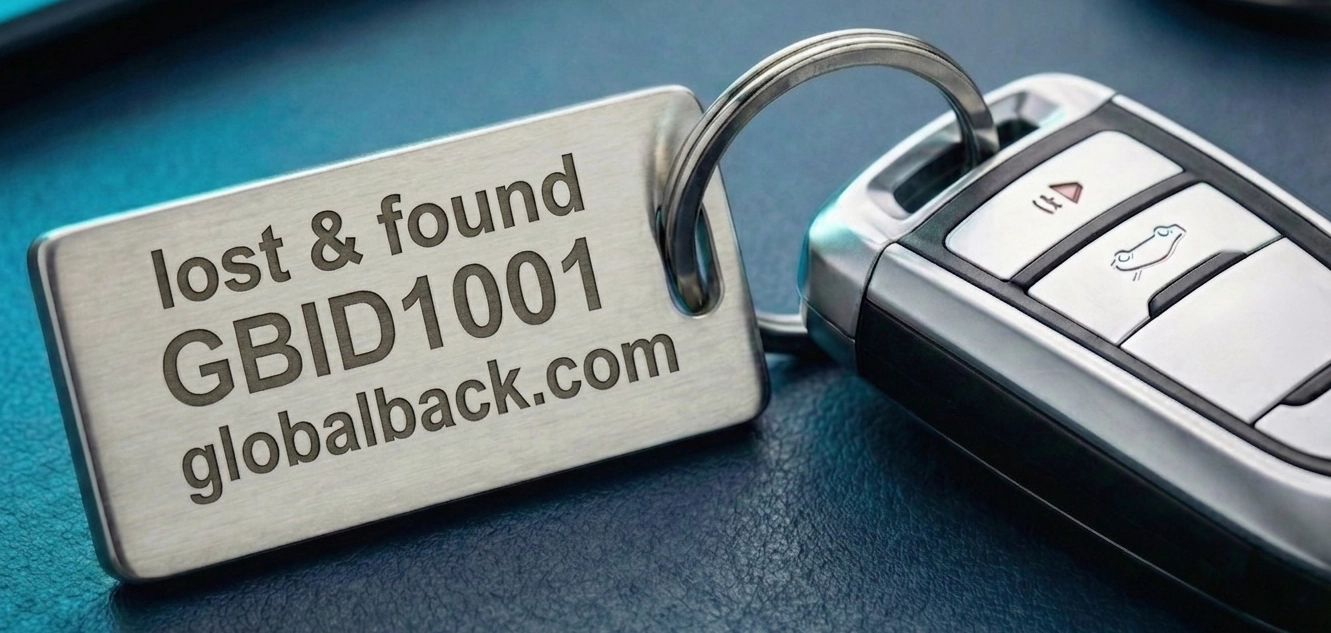
The GLOBALBACK identification number (GBID) solves this. Whether as a discreet, high-quality sticker on the case or as a marking on the bag, the GBID gives your laptop a globally unique number while your personal data stays completely hidden.
How the return works
An honest finder enters the GBID on the GLOBALBACK home page or scans a QR code – no app, no registration. Through a contact form they send you a message, which reaches you by email. Your contact details stay invisible to them.
4 Building block 2: the GLOBALBACK cloud – making resale harder
Independently of the GBID, you can also register your laptop in the GLOBALBACK cloud. You enter the device with its serial number and give it a status – such as "Lost" or "Stolen". For "Stolen" you can additionally store a police reference number, which the check portals display as well.
- Checkable worldwide: Using the serial number, your registered device can be looked up on connected check portals such as checkmich.online and checkme.website.
- Higher risk for thieves: If your laptop is marked "Lost" or "Stolen", potential buyers see a warning immediately when they run a serial number check. That makes reselling noticeably harder and increases the risk for thieves, because an attentive buyer sees the warning.
5 Common questions about a lost laptop
Where do I find my laptop's serial number?
The serial number is usually on a label on the underside of the device, often also in the system information of your operating system and on the original packaging or purchase receipt.
Is registering still worthwhile after a theft?
Registration is most effective before a loss. But even afterwards, an entry marked "Stolen" can help, provided you still know the serial number – which is exactly why it is worth noting it down separately.
Can I use the GBID and the cloud together?
Yes. They are independent of each other. The GBID aims at return by a finder, the cloud at making a resale harder. Together they cover both scenarios.
Conclusion: protecting hardware and data at the same time
The GBID is your direct line to the finder, and the GLOBALBACK cloud makes a stolen notebook identifiable to buyers, which makes reselling harder. Together with a strong password, encryption and regular backups, you protect not just the device but all of your digital work.
The solution is here – you just have to use it.